
We’ve never been contactable - there are so many ways to fire off messages and our phones hold a portal to other people. We can fire things off as a thought comes to mind and excitedly babble about our ideas on a voicenote. There are big plus’s to multiple ways of communication but there are also downsides: we are tired, burned out and the lines between our personal and work lives are incredibly blurred, especially as creatives. We love our jobs and our work so we feel like we need to be on but the sacrifice is headspace to think things through or just space to be inspired and do the things that fill our cup without our heads being snapped back into ‘work mode’.
This was really highlighted for me recently when I changed the way I can be contacted (I’ll delve into this in a mo) - I wasn't receiving notifications for WhatsApp over a weekend and when they did come through on a Monday morning I had 72 notifications from my work contacts. That’s 72 times my personal time was interrupted with something to do with work - some of it was groups I didn't need to respond to but some of it was stuff I needed to think about. That’s massive and that’s just WhatsApp. If we’re allowing things to come at us from all angles no wonder we are tired, overwhelmed and unrested.
I’ve always been quite good at boundaries in my work - I don’t reply at weekends if I can help it, I schedule emails when I remember to click the button for the next morning and I try not to shoot at weekends. But the past few years I’ve had pretty bad burnout and I was forced to assess how much I let work be my identity - working with a therapist we worked on finding myself outside of my ‘Emma Croman the photographer’ so I drastically reduced my social media time. But WhatsApp was a different matter - work messages were mingling in with personal and with ADHD I felt if I don’t reply straight away I would forget to. I desperately tried to get clients to use email to contact me as I have a foolproof system there but increasingly people just seemed to want to communicate over the green app.
The straw that broke the camels back came when I sat down after walking Ollie on a Sunday morning, ready to enjoy a slow Sunday which has been so rare this year and my phone pinged with a message from a loose contact - they were asking me to work for free for them and suddenly the mood of my Sunday changed. I not only felt annoyed and disrespected but I was also then fretting about how to respond.
I’d been meaning to look into a second sim for my phone for ages and even got as far as reading some articles but it all seemed a bit complicated. It turned out it’s not complicated at all and since I’ve had a second sim on my phone it’s been so easy to separate my work life from my personal life. You don’t switch between sims for your phone layout - you just define what you want to come through on the new number so your phone set up doesn’t change, you’ll still use all your apps as before apart from WhatsApp. I shared a little about this on LinkedIn and Instagram and so many people wanted to know about it so am writing this post to go into more detail.


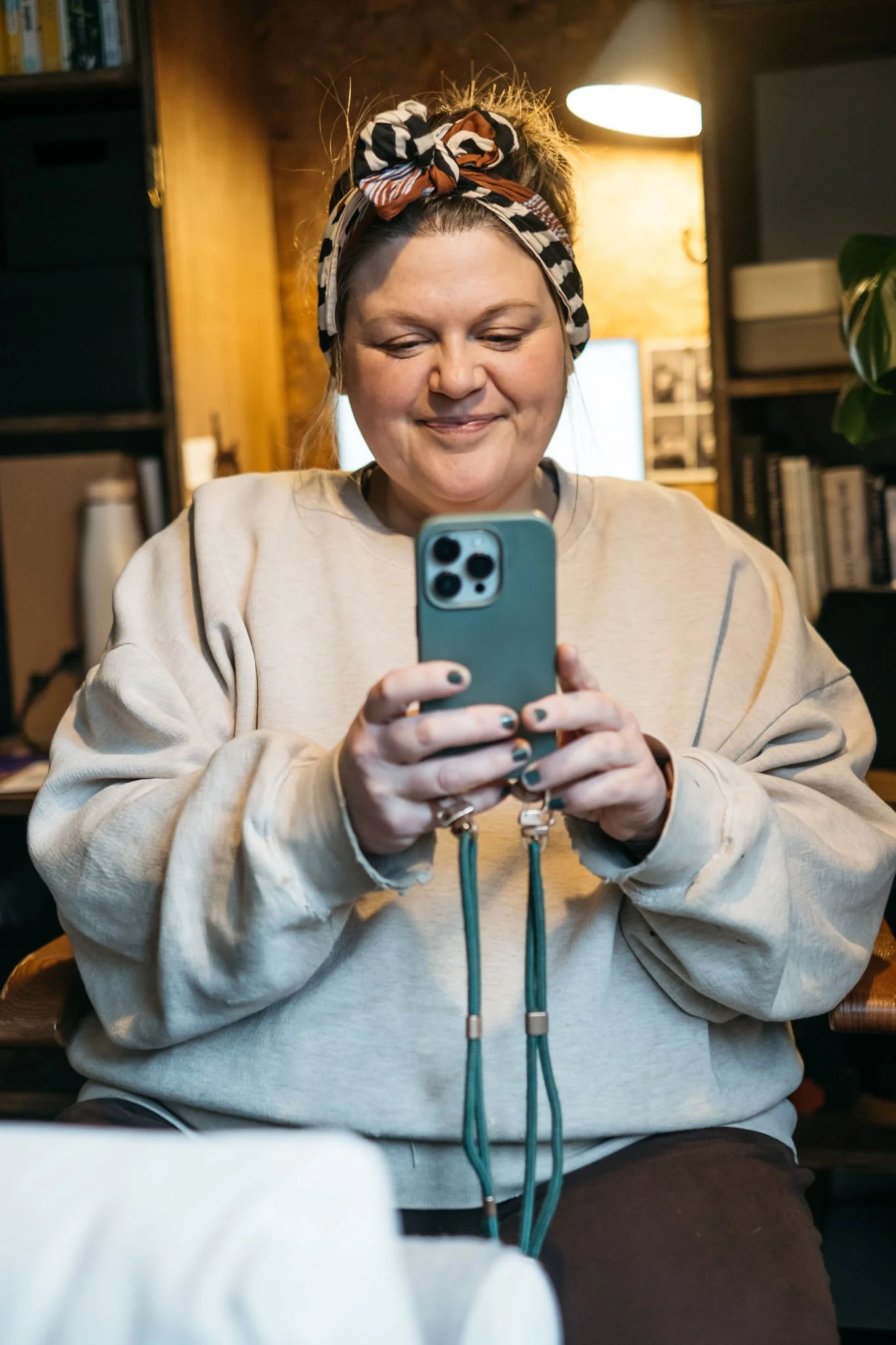
Get your new sim.
On an iPhone you can have eSims - so they sit on your phone alongside your physical sim giving you a second number. I went with Ecotalk (naturally) and just went for a small package - I researched and you’ll only use WhatsApp, calls and texts for your business number so you don’t need much data - I went for 3gb at £8pm.
Once you’ve singed up they will send you your eSim - it will come as a barcode and you’ll just install it on your phone. You then set your personal number as your primary SIM and then this new number as a secondary sim which you can name. I named mine ‘business’ with my personal sim named as such.
When installing it might ask you if you want to transfer any contacts or apps over I just clicked off this to keep it simple and avoid any confusion. My plan is to just update contacts as I go with my new number and I’ll detail how I moved over WhatsApp contact in a minute.
You want to make sure you set your default voice line to Primary so when making calls to family and friends it comes from your normal number. Also make sure your Mobile Data comes from your primary sim so that when you’re browsing the web, social media or any other apps it comes off that data allowance.
Move to WhatsApp Business on the new number.
You can have WhatsApp business and standard WhatsApp sitting on your phone and working separately if you give each one a different number. So download WhatsApp Business and register an account on your new business number. Your standard WhatsApp app will just stay on your old number.
You can then go through your old app and start moving work related groups to your new business number by either going to the top and inviting yourself (business number) in and then exiting the group from your personal number. You can also then copy into WA Business numbers of regular contracts and drop them a line on the new number informing them of a number change. I didn't do all of this at once, just the top ones and I just organically updated everyone as they contacted me on my personal number.
The great thing about WhatsApp Business if you can store contract without them syncing to your phone contacts.
Then you’re going to do the fun thing - set up your business account with opening hours and autoresponders. WhatsApp Business won’t notify outside of your working hours and will also send an auto response outside of these hours (I’m pretty sure it won’t do this in groups as that would get annoying quite quickly!). I set my working hours Monday to Friday 9am-6pm but am toying with opening a few hours on a Saturday morning.
You can also organise chats and contacts into lists on Whatsapp. What I’ve found is since I’ve had the new app and it doesn't notify me outside of working hours I’m very happy for people to chat to me on the platform now and I’m thinking about how this might help with marketing - sending out flash offers and new launches for example.
I then also logged in on my desktop WhatsApp on the new number so I have it open throughout the day to respond on my laptop which is lovely as I HATE typing on my phone - I have sausage fingers and it does not lend well to phone tapping!
Now set your focus.
This has been incredible for my mindset around business and personal hours! I can only speak for how this works on iPhone but I’m sure other handsets have similar settings.
Go to focus on your phone (on iPhone it’s swiping down from the top right and it’s in the middle of your screen). I created a new focus called ‘My Time’ and assigned a little smiley face as the icon (makes me so happy when it clicks on!).
First you want to set activation times - I selected 18.00-9.00 every day and 00.00-23.59 weekends.
Then I went to apps and popped WhatsApp Business in there then I created a focus filter and filtered calls by SIM allowing only my personal number to reach me.
Then I created new home screens for my phone for within these hours - I have lovely photos of me and Ollie out on walks and when this focus time turns on it’s like a visual reminder that it’s now my time off and to enjoy it.
I’ve found I’m much calmer since setting this up, I feel more refreshed and I’m so much more open to clients communicating with me on my phone. I am also really enjoying receiving personal messages and finding I’m a lot more engaged with fun groups on my personal number as I’m not so overwhelmed in my personal time.
If something isn’t clear here, just leave a comment below and if I can answer we then help other people reading the post!